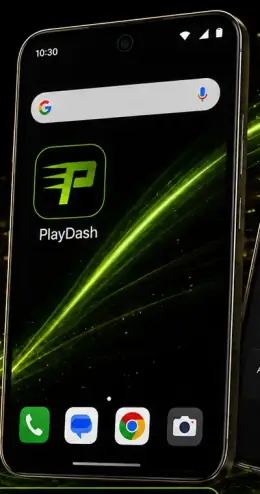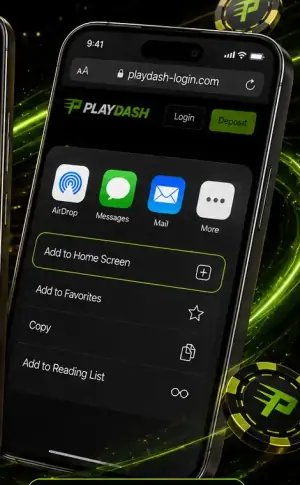


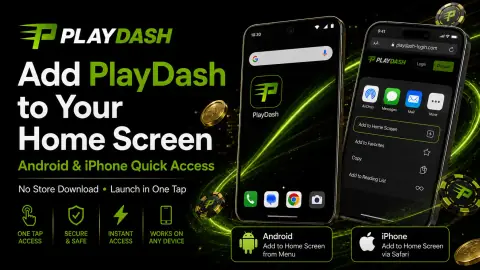
Chrome on Android: add PlayDash to your home screen
- Open Chrome and go to PlayDash using the Log in button on this guide.
- On the right of the address bar, tap More ⋮.
- Tap Install and create shortcut, then Install.
- Follow the on-screen instructions. The icon appears on your home screen.
Source: Google Chrome Help, “Use web apps”, checked 16 October 2026.